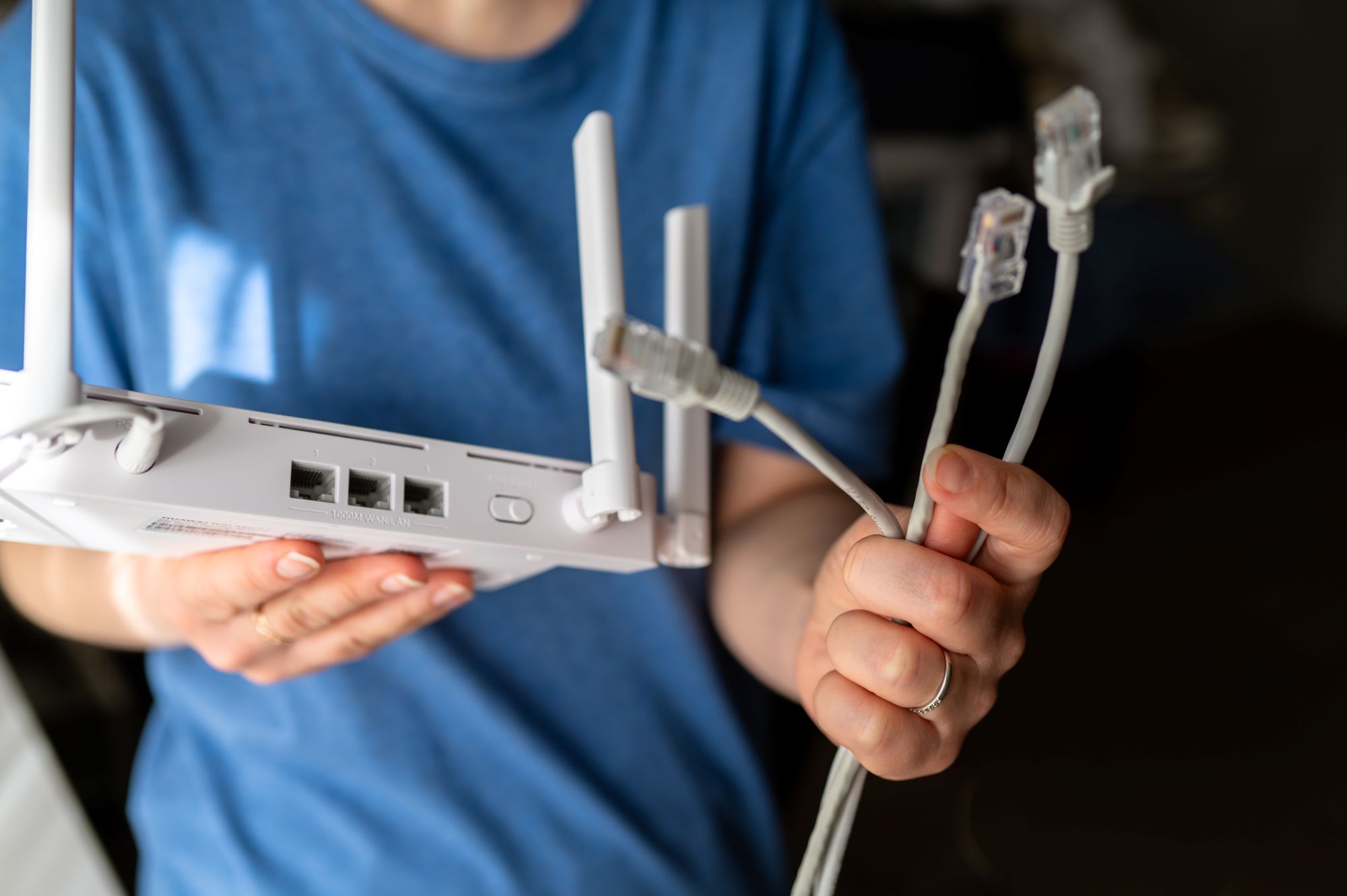
Wi-Fi and Ethernet both connect your devices to your home network, but they do so in different ways.
Wi-Fi sends data wirelessly, which gives cell phones, laptops, tablets, and smart-home devices the flexibility to connect from around the house. Ethernet uses a physical cable between a device and the network, which can provide a steadier connection for equipment that stays in one place.
In many homes, the most practical setup uses both; Wi-Fi for mobility and Ethernet for the devices that benefit from a direct connection.
What to Know At a Glance
Here are the basic differences:
- Wi-Fi is wireless, convenient, and well suited to mobile devices. Performance can change based on distance, walls, interference, router placement, and network traffic. Modern Wi-Fi has improved considerably, so many everyday activities work well without a wired connection.
- Ethernet uses a physical cable and tends to provide a more consistent connection. Ethernet can be beneficial for gaming systems, desktop computers, smart TVs, and other stationary devices.
- Wi-Fi and Ethernet can be used together on the same home network.
For most households, the question is less about using one over the other, but instead about whether a wired connection might actually make a noticeable difference.
What Is Wi-Fi?
Wi-Fi connects devices to your Internet router through radio signals instead of a physical cable. It's often the natural choice for connecting cell phones, tablets, laptops, smart speakers, doorbells, thermostats, and other devices that move around or aren’t located near a network connection.
Its biggest advantage is flexibility. The tradeoff is that wireless performance can depend on what’s happening between the device and the router. Walls, floors, distance, nearby networks, and other interference can all affect the signal strength. However, in many homes, that won’t be a major problem. A well-placed modern router can typically handle browsing, streaming, video calls, and everyday smart-home use without much trouble.
What Is Ethernet?
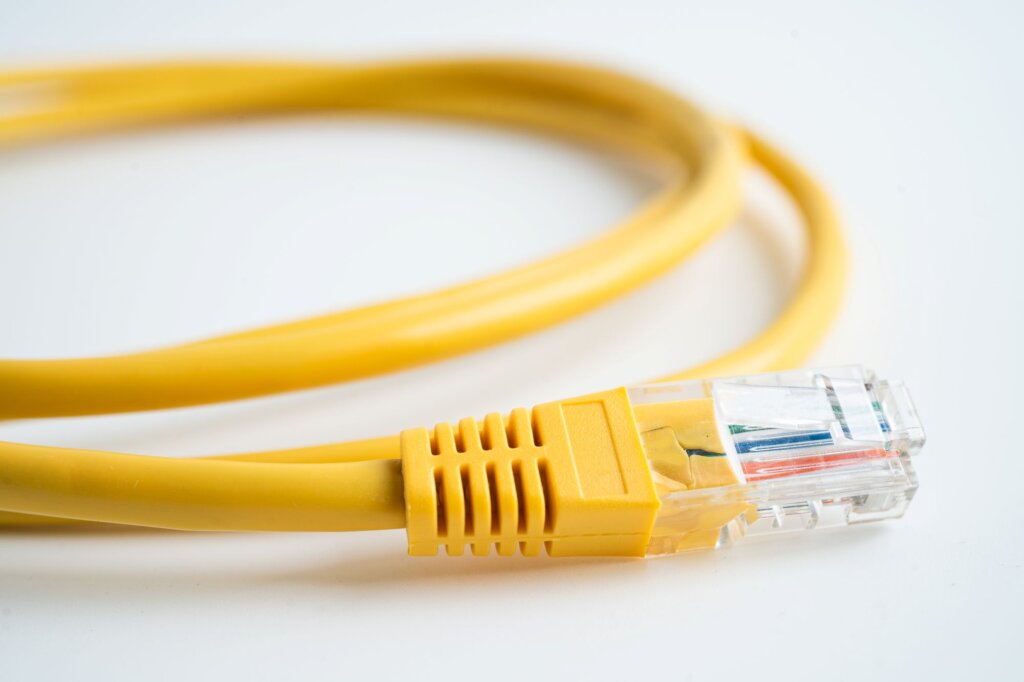
Ethernet creates a wired connection between a device and your router, network switch, or another network access point.
Because the connection doesn’t rely on a wireless signal traveling through the house, it’s less affected by walls, distance, or competing Wi-Fi traffic. That makes Ethernet especially useful for devices that stay in one place, including:
- Desktop computers
- Gaming consoles
- Smart TVs
- Streaming boxes
- Network storage devices
- Some home-office setups
The tradeoff is convenience; you need a physical cable, and depending on the room layout, the path from the router to your device can be awkward or in the way.
Is Ethernet Faster Than Wi-Fi?
Ethernet can be faster than Wi-Fi, but speed isn't the only differentiating factor between the two. Your actual internet speed depends on several things, including your internet plan, router, device hardware, and the connection between the device and the network.
A wired connection may help a device reach more consistent speeds, but it won’t make your internet plan faster than what your provider delivers.
Ethernet's main advantage is stability. The connection is less likely to fluctuate because of signal strength or interference. This can be particularly helpful for large uploads, online gaming, video meetings, and other tasks where interruptions are noticeable.
When Does Wi-Fi Make More Sense?
Wi-Fi is generally the better fit for most use cases. Phones and tablets obviously need wireless access, and laptops are made to be mobile. Many smart-home devices are also designed around Wi-Fi and Bluetooth.
Wi-Fi also makes sense when running a cable would be impractical or unnecessary. If a device already gets a strong, reliable wireless signal and does everything you need it to do, there might not be a reason to wire it just because Ethernet is available.
For everyday browsing, email, social media, music streaming, and most video streaming, a solid Wi-Fi connection is often more than enough.
When Is Ethernet Worth Using?
Ethernet is most useful when a device stays in one place and benefits from a more consistent connection.
A desktop computer used for frequent video calls or large file uploads could be a good candidate. The same is true for a gaming console where latency and connection consistency are especially noticeable.
Smart TVs and streaming boxes can also be easy wins if they’re near the router or an Ethernet port. Wiring a stationary device can reduce some of the traffic competing for Wi-Fi. Focus on the devices where reliability is needed most.
What About Wi-Fi That's Slow in Certain Rooms?
If connection problems only happen in certain parts of the house, the issue might be coverage rather than your internet plan.
Start by checking your router placement. A router tucked inside a cabinet, behind furniture, or at one far end of the home may struggle to cover the entire space. Larger or multi-story homes often benefit from a mesh Wi-Fi system, which uses multiple access points throughout the house to improve coverage.
It can also help to compare a wired device with a wireless one. If Ethernet performs well while Wi-Fi struggles, that points more toward the wireless network than the internet service itself. This comparison can help you avoid upgrading your internet plan when the real issue is something else.
Does the Type of Ethernet Cable Matter?
The cable, router port, and device all need to support the speed you’re trying to achieve. An older or damaged cable can limit performance. For typical home networking, a modern cable that supports the speed of your equipment is generally enough. You usually don’t need the most expensive cable available.
The bigger concern is making sure the cable is in good condition, long enough to reach comfortably, and routed safely.
What About Newer Wi-Fi Technology?
Wi-Fi keeps improving. Newer standards such as Wi-Fi 6E and Wi-Fi 7 can offer better performance, more capacity, and access to additional wireless spectrum when both the router and device support it. That means the gap between wired and wireless performance is smaller than it used to be for many households.
Still, newer Wi-Fi doesn’t automatically solve every coverage problem. Distance, walls, interference, and router placement can still affect the connection. Updated technology helps, but the layout of the home still plays a role in performance.
Frequently Asked Questions About Ethernet and Wi-Fi
Is Ethernet always better than Wi-Fi?
No. Ethernet is beneficial when you want a direct, stable connection to a device that stays in one place. Wi-Fi is typically a better option for devices that move around or need flexibility.
Does Ethernet make your internet faster?
Not beyond the speed provided by your internet plan. It may help a device maintain more consistent performance, especially if the Wi-Fi signal is weak or crowded.
Is Ethernet better for gaming?
Ethernet often provides more consistent latency and avoids some of the interference that can affect Wi-Fi. That can make it a good choice for online gaming, especially when the console or computer is docked in one place.
Should I connect my smart TV with Ethernet?
If the TV is near an Ethernet connection, wiring it can provide a steady connection and reduce Wi-Fi traffic. If streaming already works reliably over Wi-Fi, there may not be a need to change anything.
Use Each Connection Where It Works Best
Wi-Fi and Ethernet aren’t competing solutions so much as different tools. Wi-Fi gives you flexibility throughout the house, while Ethernet gives certain stationary devices a direct connection that doesn’t depend on wireless coverage.
Most homes don’t need to choose one exclusively. Use Wi-Fi where mobility is useful, add Ethernet where a steadier connection makes sense, and build the network around how you actually use your devices.
This community resource is made possible through the generous support of local WhirLocal sponsors.
Brought to You By


Contact Williams Law, LLC
Thanks, your message was sent to Williams Law, LLC.