Do you remember when you bought the surge protector behind your TV? What about the one connected to your computer, or under your nightstand? These devices are easy to plug in once and forget about, even though they help protect some of the most important electronics in your home.
Just because a surge protector still powers your devices doesn’t mean it’s still protecting them. The internal parts of a surge protector are designed to absorb spikes in voltage. These components can wear down after repeated small power surges or one larger surge. Once that protection is reduced or gone, the strip may still supply power, but it probably isn’t protecting your electronics the way you expect.
Knowing when to replace an old or damaged surge protector is a simple way to take better care of the devices your household relies on every day.
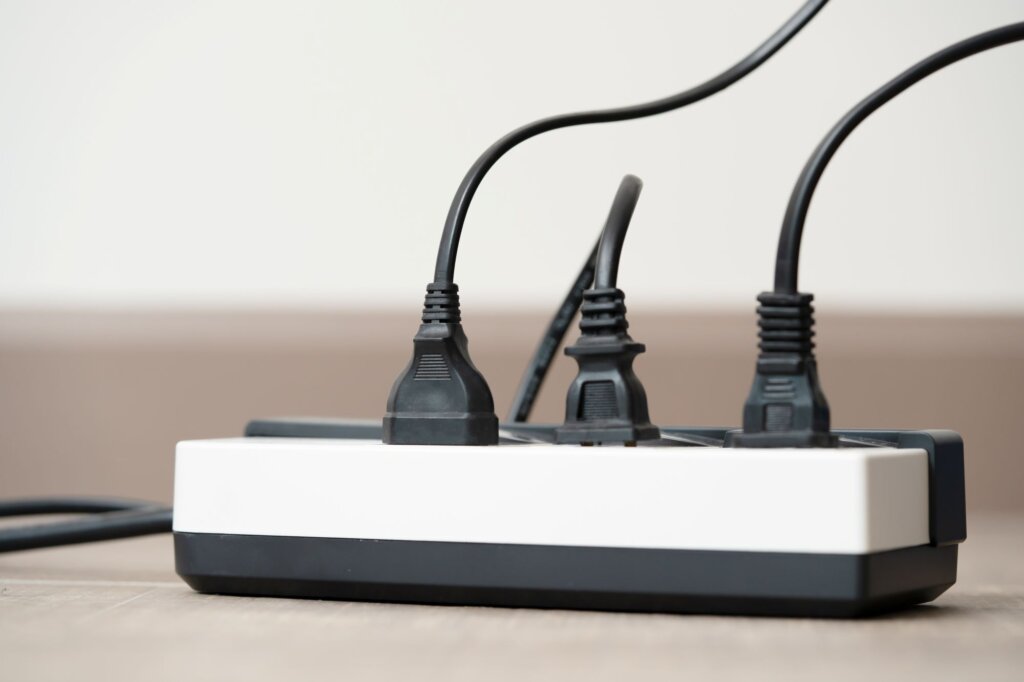
What a Surge Protector Actually Does
A surge protector helps protect electronics from sudden voltage spikes (also known as power surges). These spikes can happen for several reasons, including storms, power grid changes, equipment cycling on and off, or electrical issues inside a home. Without proper protection, surges can damage, degrade, or destroy electronic equipment.
It is also important to know the difference between a basic power strip and a true surge protector. A power strip gives you more places to plug things in, but it doesn’t necessarily provide surge protection. Only surge protective devices protect against power surges; ordinary power strips, breakers, fuses, GFCIs, and many low-cost backup power supplies do not provide that same protection.
That difference is important when you’re plugging in computers, televisions, gaming systems, routers, or other sensitive electronics.
How Often Should Surge Protectors Be Replaced?
A common rule of thumb is to replace surge protectors every three to five years, especially in homes with frequent storms, power flickers, or heavy electronics use. Some may last longer in low-use situations, while others may need replacement sooner after a major surge.
The tricky part is that a surge protector can still look normal after its protective components have worn down. It will likely still power your devices, but the surge protection may be weakened or no longer functional.
Check the manufacturer’s instructions for your specific model. Some surge protectors have indicator lights that show whether protection is still active. Others include auto-shutoff features that stop power from flowing when protection is no longer available. Those features are helpful, but they shouldn’t replace your regular inspection.
Tip: Next time you buy a new surge protector, place a label with the purchase date on the bottom. This way, you’ll easily know how long it’s been in use.
Replace It Right Away After a Major Surge
If your home experiences a strong storm, nearby lightning activity, a major power outage, a blown transformer, or an electrical event that causes devices to shut off suddenly, check your surge protectors afterward.
No surge protection device can handle a direct lightning strike, and it’s recommended to unplug devices from the wall if you suspect a surge might be coming. If a surge protector takes a significant hit, replacing it is often the safest choice, even if it still appears to work.
Think of it like a bike helmet. After it’s protected you from a hard impact, it has done its job and you may consider replacing it.
Warning Signs Your Surge Protector Should Be Replaced
Replace a surge protector if the cord is frayed, the plug is loose, the outlets feel unstable, the casing is cracked, or there are scorch marks, melted areas, buzzing sounds, or a burning smell.
You should also replace it if the protection indicator light is off, if the reset button keeps tripping, or if the unit feels hot during normal use. Warmth, odor, or discoloration should be taken very seriously. Faulty extension cords, power strips, and surge protectors can create fire, shock, and electrocution hazards, especially when products have defects like loose connections, undersized wires, improper grounding, or missing overcurrent protection.
Do NOT Overload the Surge Protector
A surge protector does not add more electrical capacity to a room; it only gives you more outlets connected to the same circuit. Avoid plugging in high-power appliances such as space heaters, portable air conditioners, microwaves, toasters, refrigerators, large power tools, or other heavy-load items unless the device is specifically rated for that use. Many of these should be plugged directly into a wall outlet.
You should also avoid “daisy chaining,” which means plugging one power strip or surge protector into another. That can overload the circuit and create extra heat, which is a fire hazard.
Use the Right Surge Protector for the Job
Not every surge protector is made for the same purpose. A small unit for phone chargers and lamps may not be the right choice for a home office, entertainment center, gaming setup, or expensive equipment.
Look for a reputable product with proper safety certification, a grounded three-prong plug, a clear joule rating, and enough space for the plugs you actually use. A higher joule rating generally means the device can absorb more surge energy over its lifetime, though protection level also depends on product quality and design.
For important electronics, choose a surge protector with a protection indicator light and an automatic shutoff feature. That way, the unit is more likely to stop supplying power when it can no longer provide protection.
Consider Whole-Home Surge Protection
Plug-in surge protectors are useful, but they only protect the devices connected to them. Whole-home surge protection is installed at the electrical panel and helps protect the larger electrical system, including appliances, outlets, and lighting circuits. Whole-home surge protection provides longer-lasting protection than point-of-use devices, and it must be installed by a qualified electrician.
An electrician can inspect your panel, discuss whether whole-home surge protection makes sense, and make sure your home’s grounding and electrical system are in proper condition.
Check Surge Protectors During Seasonal Home Maintenance
Replacing surge protectors is worth adding to your home maintenance schedule. A quick check once or twice a year can help you catch problems before they become safety concerns. Look for damage, heat marks, loose plugs, dust buildup, overloaded outlets, missing indicator lights, or cords running under rugs or furniture. Make sure the unit is not being pinched behind a desk, bed, cabinet, or entertainment center.
If you can’t remember when you bought a surge protector, or if it has been in use for many years, replacement is usually a simple and affordable safety decision.
Protecting Your Electronics Starts at the Outlet
Surge protectors play a quiet but important role in the home. They help protect computers, televisions, routers, smart devices, and other electronics from voltage spikes that can shorten their lifespan or damage them suddenly.
Replace surge protectors every few years, sooner after a major surge, and immediately if you notice damage, heat, odors, or a failed protection light. For homes with expensive electronics, frequent storms, or repeated power issues, a trusted local electrician can help review your setup and recommend safer, more reliable protection.